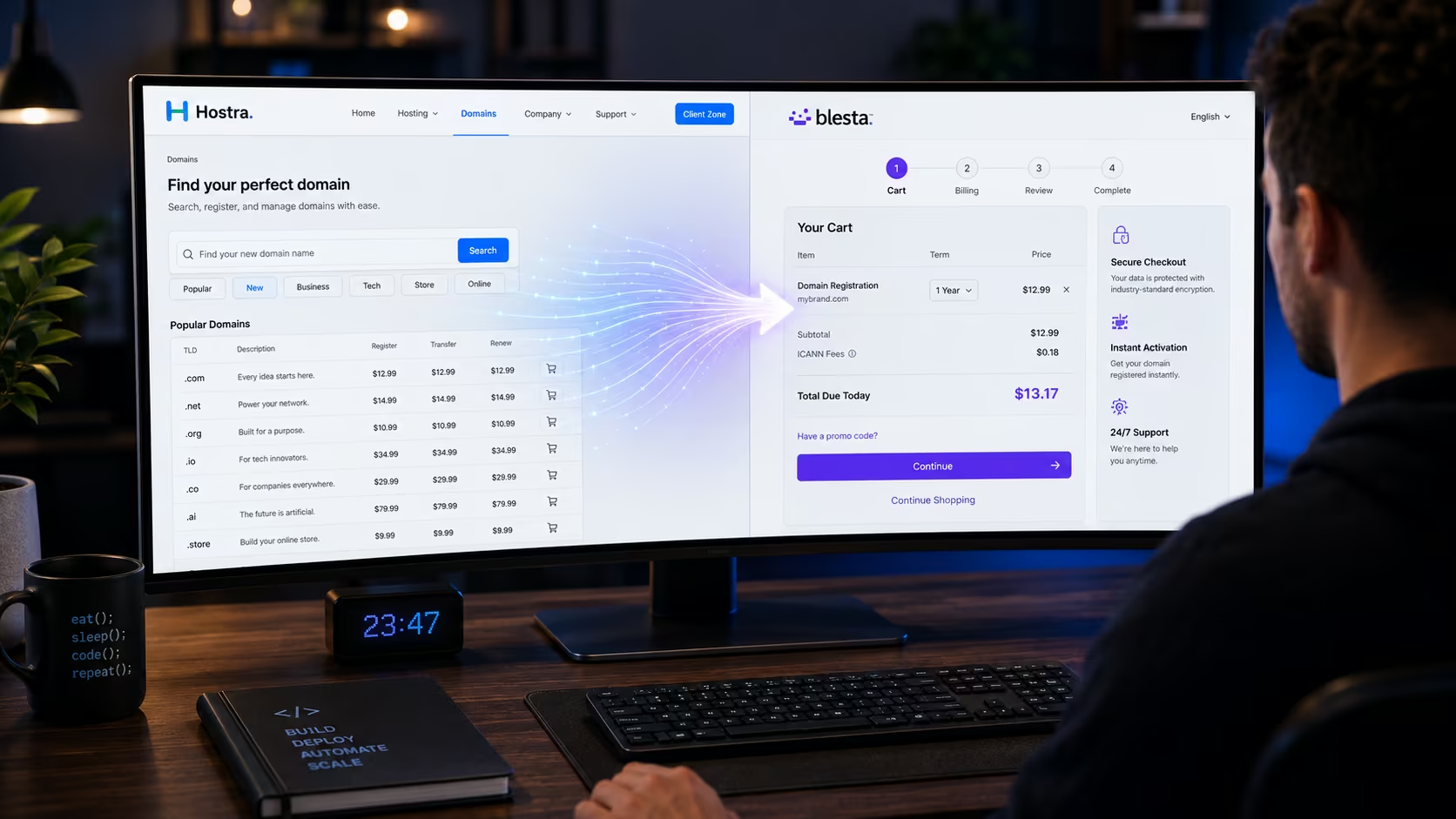
In the web hosting and infrastructure industry, your domain name search bar is the absolute top of your sales funnel.
For many startups and tech agencies, the customer journey begins not with a request for a complex bare-metal server, but with a simple impulse: checking if a business name is available as a .com or .io. If your domain search experience is clunky, slow, or repetitive, you will lose the client before they even see your hosting packages.
The industry is plagued by a specific conversion-killer that I call the “Search Disconnect.”
Most hosting templates offer a domain search widget on their marketing front-end. The user types in their desired domain, hits search, and is told it is available. But when they click “Buy Now,” they are suddenly redirected to a default billing cart (like an unstyled Blesta or WHMCS installation), presented with a completely empty search box, and forced to type the domain name all over again.
This causes massive cart abandonment. In a modern digital marketplace, every unnecessary click or repetitive action destroys buyer trust.
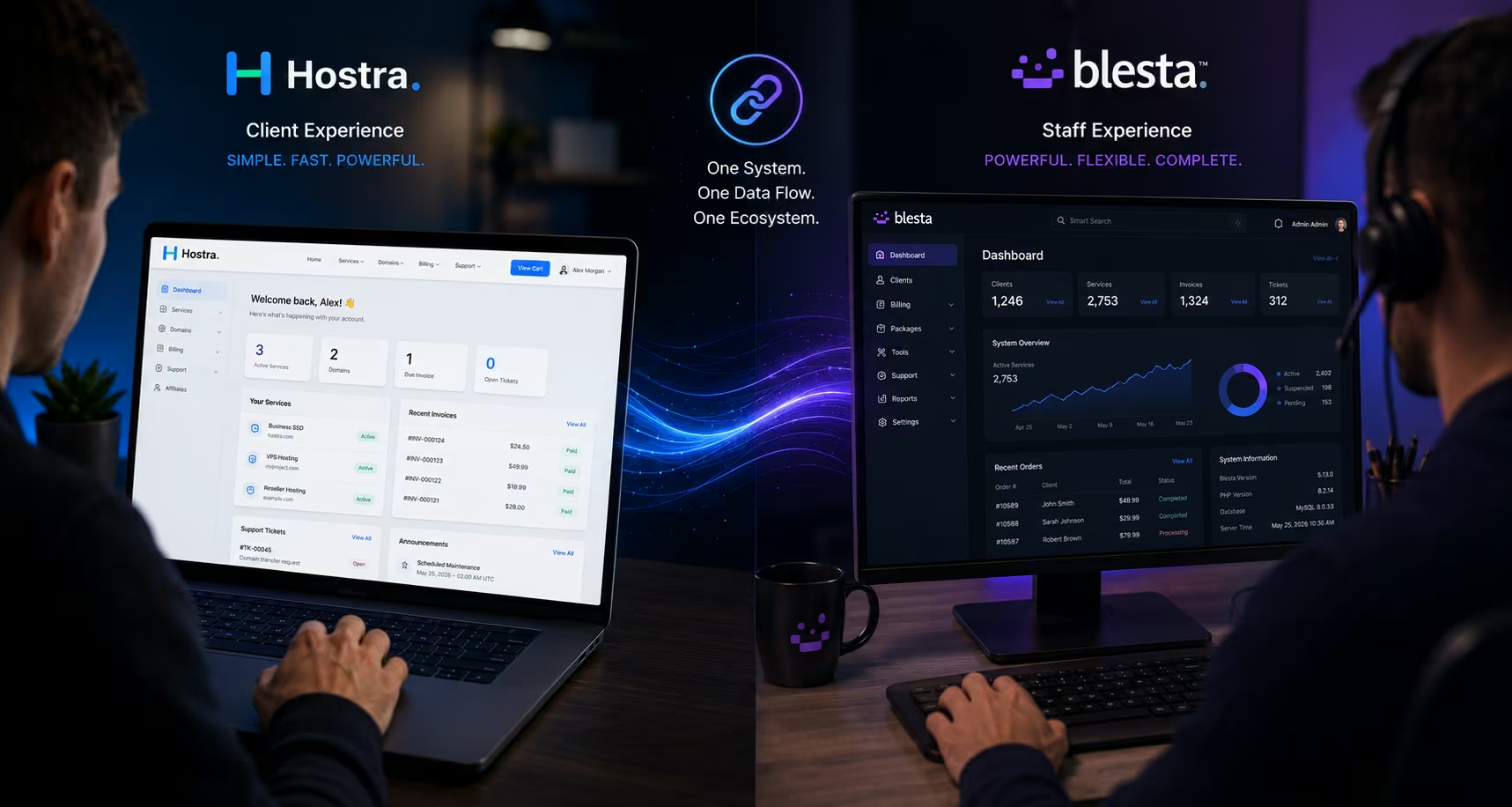
When building Hostra, we engineered a direct solution to this problem. Hostra automates the entire search flow, capturing front-end queries and instantly bridging them to your secure backend cart. Here is how Hostra’s dynamic domain search works, why it drastically improves your conversion rates, and how to configure your TLD pricing tables to maximize sales.
The Problem with "Dummy" Search Widgets
To understand why Hostra’s approach is a game-changer, you have to understand how most generic hosting templates are built.
Typically, a theme developer will place a search bar on the homepage using standard HTML. Because the front-end marketing site is completely disconnected from the backend billing software, that search bar is functionally a “dummy” widget. It either executes a basic WHOIS API lookup just to flash a green “Available” badge, or worse, it just acts as a blind hyperlink to your billing portal.
When the user is redirected to the billing panel, the session context is lost. The billing software has no idea what the user just searched for on the previous page. The user is forced to re-enter their data. If they are browsing on a mobile device, tapping out a complex 15-character domain name a second time is an incredibly frustrating user experience.
The Seamless Handoff: How Hostra Solves the Disconnect
Hostra completely eliminates the search disconnect through dynamic data routing.
Because Hostra operates as a unified platform—handling both your front-end marketing and your client area styling from a single Blesta installation—it can natively pass session data across your entire digital property.
When a user lands on your Hostra-powered Home Page or Domains Page, they are greeted with a sleek, high-conversion domain search widget. Here is what actually happens when they hit the search button:
Query Capture: The widget instantly captures the exact Top-Level Domain (TLD) and root string the user typed.
The Invisible Bridge: Instead of running a shallow, front-end API check, Hostra immediately routes the user straight into your internal Blesta Domain Order form.
Automated Execution: It securely passes the captured search string into the Blesta cart and automatically executes the internal search command.
The result? The user lands inside your billing cart with the exact domain they searched for already queried, verified, and sitting on the screen ready to be added to their cart. They do not have to re-type a single letter. It is a completely frictionless transition from marketing curiosity to active checkout.
More importantly, because Hostra completely skins your Blesta client area, the user never feels like they have left your main website. The typography, the brand colors, and the navigation header remain identical. The cognitive friction is reduced to zero.
Setting Up Your High-Conversion Domains Page
Having a brilliant search widget is critical, but before a user searches, they need to know your pricing structure.
Domain pricing is notoriously predatory in the hosting industry. Many massive conglomerates lure customers in with a $0.99 registration fee, only to bury a $35/year renewal fee in the fine print. Tech-savvy buyers (like developers and agency owners) are acutely aware of this trap. They want absolute transparency.
Hostra includes a dedicated Domains Page designed specifically to build trust through transparent pricing grids. By clearly displaying your Registration, Renewal, and Transfer fees side-by-side, you position your brand as an honest, premium infrastructure provider.
Here is how you configure the highly customized Hostra Domains Page to match your Blesta billing packages:
Step 1: Navigating to the Domains Page Manager
Log into your Blesta Admin Panel.
Go to Hostra Theme Settings > Domains Page.
This panel controls every element of your dedicated domain registration landing page. You have access to a Hero section featuring sophisticated, floating 3D background extensions (which visually signal a modern tech stack), FAQ sections, Testimonials, and specialized Call-to-Action blocks.
Step 2: Configuring the TLD Pricing Table
This is the core of your domain marketing. You want to highlight your most popular or highest-margin TLDs (like .com, .net, .io, or .ai).
Within the settings panel, locate the TLD Pricing Table section. For every row you want to display on the front-end, you have total granular control over the data:
The Extension: Enter the actual TLD (e.g.,
.com).Tag Text & Color: This is a fantastic marketing tool. If you are running a special promotion, you can add a vibrant tag next to the extension. You might enter “SALE” as the text and assign a bright red hex code, or “POPULAR” with a deep blue hex code.
Registration Price: Enter your first-year acquisition price.
Renewal Price: Enter the recurring annual cost. (Do not hide this; transparency sells).
Transfer Price: Enter the cost for a user migrating an existing domain to your network.
Because this table is managed directly inside your Hostra plugin dashboard, you can update your front-end marketing prices in seconds if your upstream registrar (like NameSilo or Enom) changes their base costs.
Step 3: Enabling Cross-Sell “Other Solutions”
Domain buyers rarely just need a domain. They usually need an email hosting package, a site builder, or a fast WordPress server.
At the bottom of the Domains Page settings, you will find a section titled Other Solutions (Connect Your Domain). This section is specifically designed to cross-sell your core web hosting services to users who just came to register a URL. You can edit the titles, descriptions, and Font Awesome icons for these cards, linking them directly to your Shared, VPS, or Reseller hosting pages. It creates a closed-loop sales funnel that maximizes your Average Order Value (AOV).
The Power of the Single Root Installation
The reason Hostra can execute this seamless search handoff so flawlessly is directly tied to how we advise you to install it: everything runs from one domain.
If you attempt a complex hybrid installation—running a separate marketing site on [www.yoursite.com](https://www.yoursite.com) and forcing Blesta onto billing.yoursite.com—you introduce massive technical hurdles. You have to battle Cross-Origin Resource Sharing (CORS) policies, manage duplicate SSL certificates, and write custom JavaScript just to pass a simple domain search string between two different servers. It is an architectural nightmare that requires constant maintenance.
By installing Blesta in the home directory and letting Hostra handle the UI rendering for both the front-end and the client portal, the data lives in the same ecosystem. The POST data from the search bar on your homepage natively belongs to the exact same software engine processing the cart. It is inherently secure, inherently fast, and completely resistant to the API timeouts that plague hybrid setups.
Conclusion: Frictionless Infrastructure Sales
In the hosting business, your software should never get in the way of your customer’s wallet.
When a developer decides to buy a .ai domain for their new startup at midnight, they want a fast, transparent, and seamless checkout experience. They do not want to be bounced between unbranded subdomains, and they certainly do not want to re-type their data.
By utilizing Hostra’s dynamic domain search handoff and configuring your TLD pricing tables for absolute transparency, you solve the biggest UX failure in the hosting industry. You provide an enterprise-grade checkout flow that respects the user’s time. When your digital storefront operates this smoothly, it subconsciously tells the buyer that your actual server infrastructure is managed with the exact same level of precision.