Every web developer and infrastructure architect knows the feeling. It is 2:00 AM, you are finalizing the setup for your new hosting brand, and you spot a minor visual flaw in the Blesta client area. Maybe the default header padding is slightly too large, or perhaps the support ticket submission button is the wrong shade of blue, completely clashing with your brand identity.
The immediate, instinctual reaction for any developer is to dive straight into the server via SSH or SFTP, locate the core template files, and manually alter the code. You find the .pdt file, adjust a few CSS classes, hit save, and refresh the browser.
The page looks perfect. You close your laptop, satisfied with a job well done.
What you have actually just done is planted a ticking time bomb in your digital infrastructure.
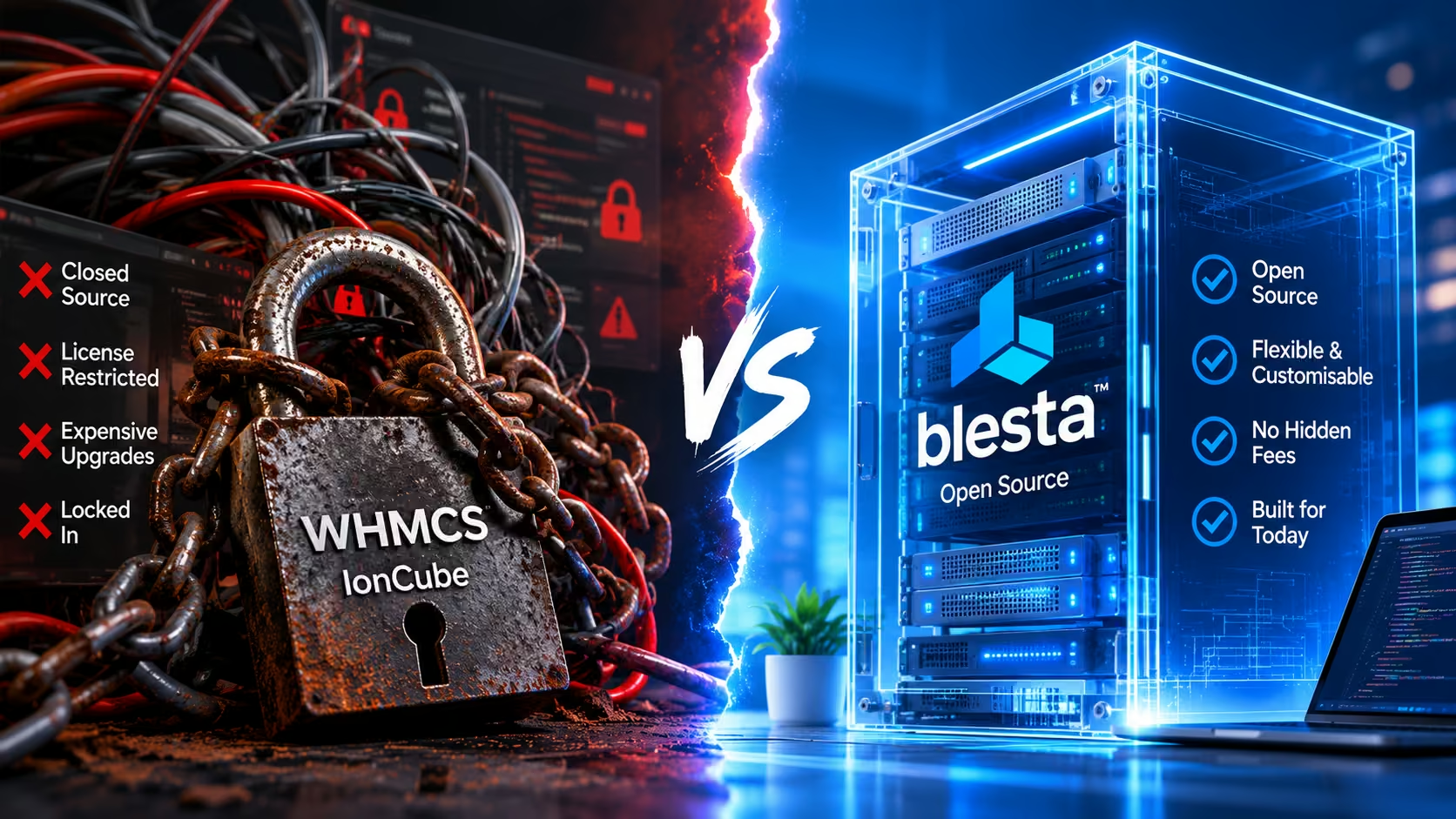
In the web hosting industry, customizing your billing platform by manually editing core template files is the fastest route to technical debt, broken user experiences, and catastrophic update failures. Here is an in-depth look at the architecture of Blesta’s .pdt files, why “hacking” the core is a dangerous game, and how modern hosting agencies use dedicated theme plugins like Hostra to completely safely customize their client area without ever breaking a core update.
The Anatomy of the .pdt File
To understand the danger, you first have to understand how Blesta renders its front-end.
Blesta operates on a highly secure, object-oriented Model-View-Controller (MVC) framework. The “View” part of this architecture is powered by a proprietary templating system that utilizes .pdt (PHP Data Template) files.
These .pdt files are essentially structural blueprints. They contain a mixture of raw HTML, native Blesta variables, and complex PHP logic that dictates how client data, invoices, and support tickets are displayed on the screen. By default, Blesta ships with a standard client template (often utilizing a basic Bootstrap framework) located deep within the /app/views/client/ directory.
Because these files are entirely open-source and easily readable, the temptation to modify them directly is immense. If you want to hardcode a Google Analytics tracking script into the <head> of your billing portal, it seems logical to just open structure.pdt and paste the script in.
But this “quick fix” mentality completely ignores the reality of software lifecycles.
The Nightmare of Core Updates
Blesta is a dynamic, actively maintained billing engine. The development team frequently releases updates to patch critical security vulnerabilities, introduce new payment gateway integrations, and add new core features to the platform.
When you run a system upgrade (for example, moving from Blesta v5.12 to v5.13), the upgrade script systematically replaces the core system files with the latest versions to ensure complete structural integrity.
If you manually edited the core .pdt files in the default template directory, the update script will mercilessly overwrite your changes.
That Google Analytics script you hardcoded into the header? Gone. The custom hex codes you added to the CSS file? Erased. The layout adjustments you made to the checkout cart? Reverted to default.
You will wake up to find your carefully branded hosting portal completely stripped of its identity, looking like a generic, out-of-the-box installation. Your clients will be confused, your brand trust will take an immediate hit, and you will be forced to waste hours manually re-applying your code modifications from memory or digging through outdated backups.
The "Clone" Dilemma: A False Sense of Security
Historically, developers recognized the danger of core overwrites and devised a workaround: Cloning the template.
The standard advice on developer forums was to copy the entire default Blesta template folder, rename it to something like my_custom_theme, and apply it in the Blesta backend. Because the folder name was different, the Blesta update script would ignore it, leaving your customized .pdt files completely untouched during a system upgrade.
This sounds like a smart solution, but it is actually far more dangerous than having your files overwritten.
By running a cloned, static theme folder, you have entirely disconnected your client UI from Blesta’s active development cycle. Consider what happens when Blesta releases a major feature update. Let’s say they introduce a new mandatory regulatory checkbox on the checkout form, or they update the CSRF (Cross-Site Request Forgery) security tokens required to submit a support ticket.
The core Blesta engine is now expecting those new variables and security tokens. But your cloned, outdated .pdt files do not contain the new code.
The result? When your client tries to pay an invoice or submit a ticket, the form fails silently. The page throws a critical error, or simply loops back to the start. You miss critical security UI patches, and your billing portal becomes structurally incompatible with the very engine running it. You are now trapped in a cycle of “maintenance debt,” forced to manually compare your cloned .pdt files against the new default files every single time an update is released, meticulously copying and pasting new PHP logic just to keep your cart functioning.
The Modern Solution: The Dedicated Theme Plugin Strategy
The golden rule of modern software architecture is the absolute separation of presentation and logic. You should never have to touch a raw .pdt file to change a brand color, hide a default menu item, or inject an SEO meta tag.
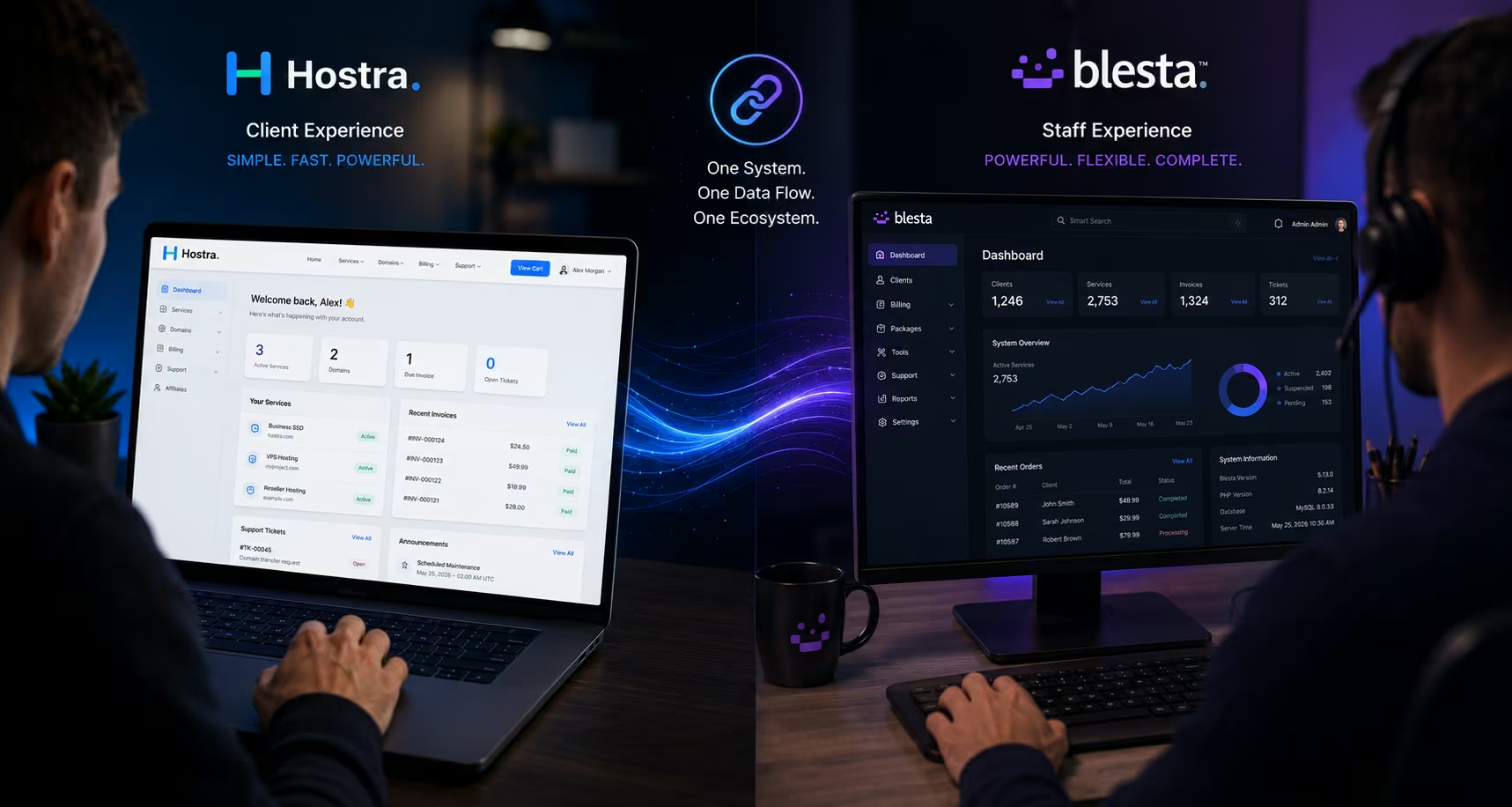
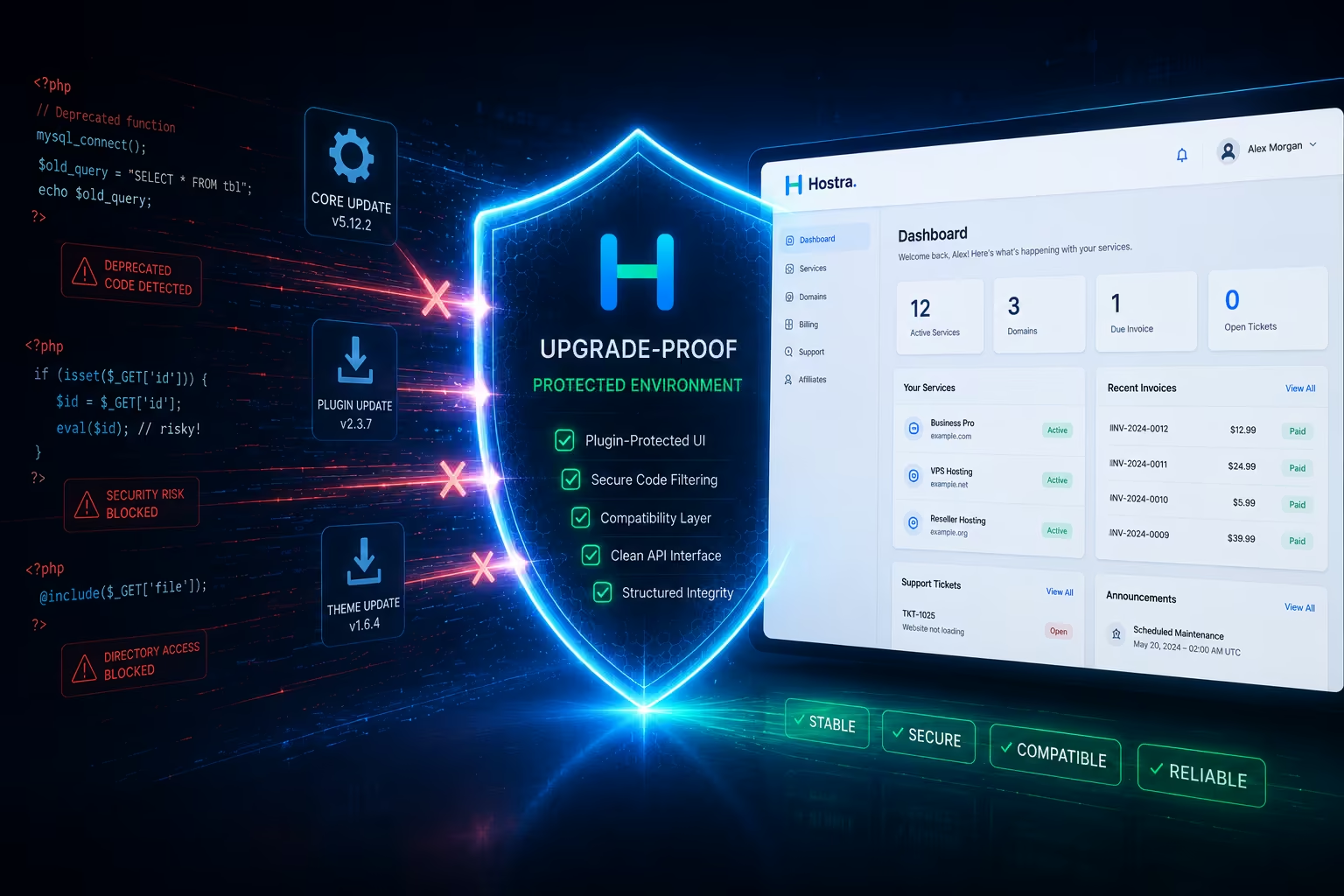
This is the exact philosophy behind Hostra.
Instead of forcing you to hack core files or leaving you stranded on an outdated, cloned template island, Hostra achieves deep visual customization through a highly sophisticated Companion Plugin.
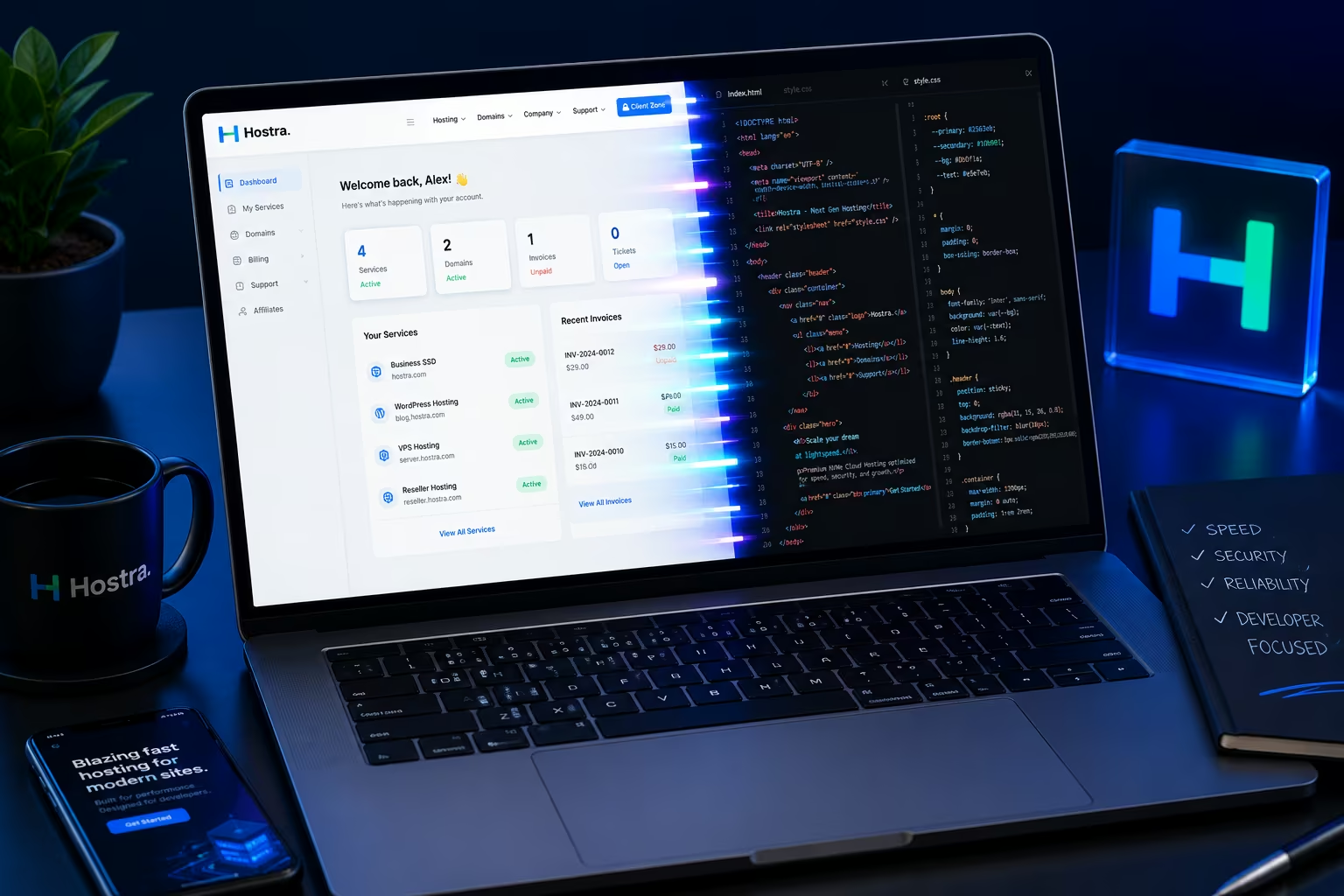
When you install Hostra, you aren’t just uploading a static folder of HTML. You are installing a dynamic bridge that interfaces directly with Blesta’s core logic without overwriting it.
1. Database-Driven Customization
With the Hostra companion plugin installed, your visual customizations are lifted out of the file directory and securely stored inside the Blesta database.
When you use the Hostra Theme Settings dashboard to change your primary brand color, upload a new logo, or rename the “Shared Hosting” page to “Cloud Nodes”, you are writing data to the database, not to a .pdt file.
Why is this revolutionary? Because when Blesta runs a core software update, it updates the file system, but it does not wipe your database configurations. Your Hostra plugin settings remain perfectly intact. You get all the security benefits of a core update, while your custom UI renders flawlessly over the top of it.
2. Dynamic Injection vs. Hardcoding
If you need to add custom code—like a live chat widget, Google Tag Manager, or Facebook Pixel—you do not need to open structure.pdt.
The Hostra plugin features dedicated interface fields specifically designed for analytics and header injections. When the Blesta engine renders a page for a client, the Hostra plugin dynamically hooks into the rendering process and seamlessly injects your scripts into the correct location in the <head> or <body>. It is surgical, clean, and completely upgrade-proof.
3. Future-Proofed .pdt Integration
While Hostra does utilize its own set of heavily optimized .pdt files to create the unified marketplace experience, it handles the UI logic efficiently. By moving the volatile, easily-customized elements (like typography, colors, page slugs, and footer links) into the plugin GUI, the theme files themselves rarely need manual modification by the end-user.
If LayoutLane releases an update to the Hostra theme to support a brand new Blesta feature, you simply replace the theme folder. Because all your specific brand configurations are safely stored in the companion plugin’s database tables, your site instantly inherits the new code updates while perfectly maintaining your unique brand identity. Zero downtime, zero broken forms, and zero lost CSS.
The Verdict: Stop Hacking Your Infrastructure
Running a profitable web hosting company requires ruthless efficiency. You cannot afford to spend your weekends diff-checking PHP templates and repairing broken checkout carts after a routine software patch.
Your billing portal is the financial heart of your business. It needs to be visually stunning to build trust, but it must remain structurally pristine to guarantee security and performance.
By abandoning the archaic practice of manually editing .pdt files and embracing a dedicated, plugin-driven theme architecture like Hostra, you decouple your brand identity from the core billing logic. You gain the freedom to endlessly tweak your design, optimize your SEO, and manage your UI directly from an elegant dashboard, all while allowing Blesta’s core update mechanism to function exactly as intended.
Safe customization isn’t just about making your hosting site look good; it is about protecting your technical infrastructure so you can focus on scaling your business, not fixing it.